
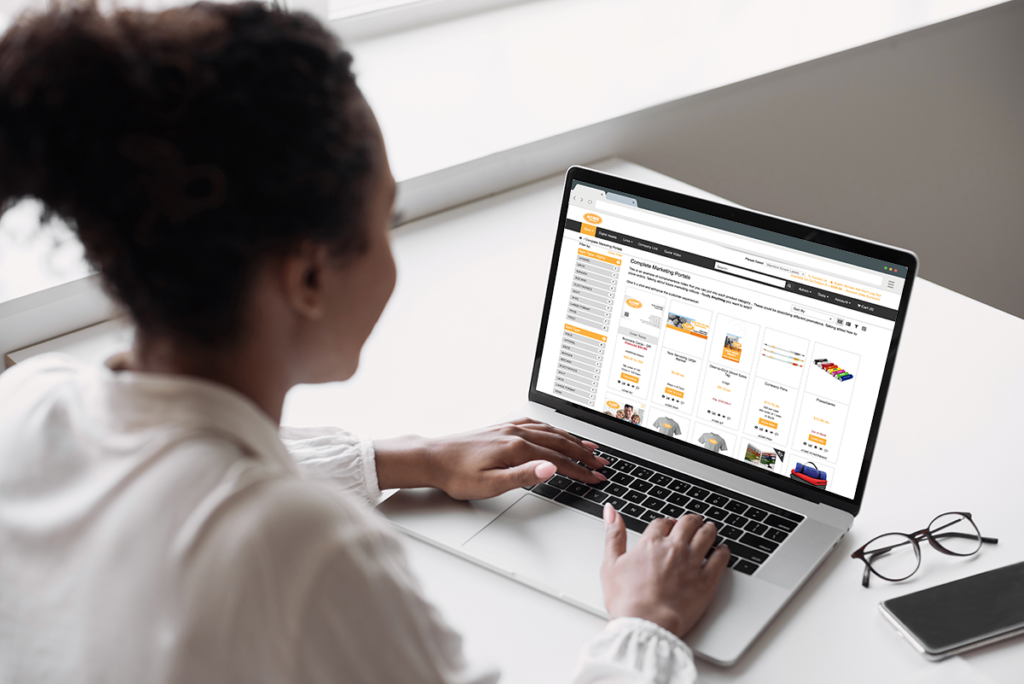
Left-Side Menu is a new storefront display option that gives you greater flexibility in how users navigate product categories within your portal.
Previously, you had two options for displaying the product category menu. You could use the Standard display, which houses all categories in a single dropdown, or the Horizontal display, which expands top-level categories across the main navigation bar (formerly controlled by the Show Store Menu Horizontal setting).
We are now introducing a third option: Left-Side Menu.

This new layout moves the product navigation from the top header to a dedicated vertical column on the left side of the storefront, positioned just above the product filters. This layout is designed to improve navigation for complex catalogs, allowing for clear nesting of sub-categories.
Additionally, the Left-Side Menu is “sticky”—it stays open and visible as the user scrolls down the page, highlighting the category they are currently viewing to improve wayfinding.
To accommodate this third option, we have updated the settings to a single dropdown selection that manages all three layouts.
Benefits To You
- Improved Navigation: Provides a clear, vertical hierarchy that supports nested sub-categories, making it easier for users to browse extensive product catalogs.
- Design Flexibility: Offers a modern alternative to top-bar navigation that automatically respects your portal’s current theme and branding.
- Consolidated Control: Manage your menu layout from a single, easy-to-use dropdown setting.
How It Works
To change your storefront menu to the new Left-Side option (or switch between any of the three available styles):
- In the back end, navigate to Portal > Select a Customer > Settings.
- Scroll down to the User Experience section.
- Locate the setting labeled Store Menu Type. (Note: This replaces the previous Show Store Menu Horizontal toggle).
- Select Left from the dropdown menu (or choose Standard/Horizontal).
- Click Save.
The next time you refresh your storefront, the product categories will appear in the vertical left-hand column.
If you have any questions or need support, contact our support team at [email protected].
Find all of our Did You Knows here: Knowledge Library