
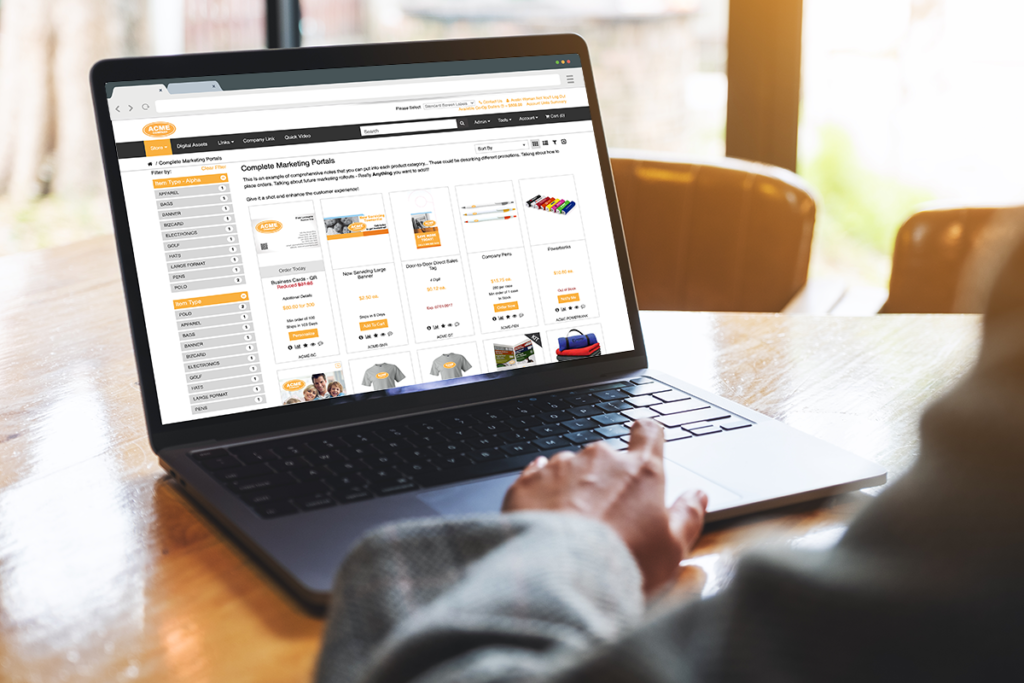
Did You Know you create storefront browse filters based on variables other than Item Type?
Using Filters is a simple way to improve the layout and browsing experience for your clients and their end users.
Using Filters is a simple way to improve the layout and browsing experience for your clients and their end users.
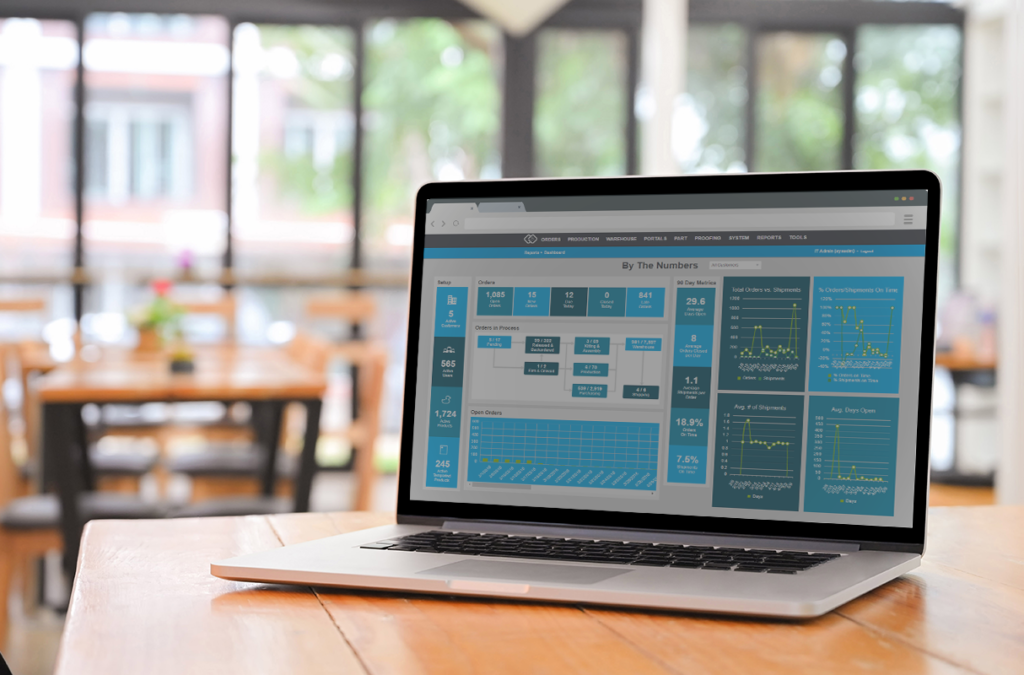
This is a minor user experience improvement for the Warehouse section of the back end. On the Move Inventory page,
Did You Know the Move Inventory page now lists the part quantity in the source location? Read Post »

You can now create two types of part aggregate groups: quantity aggregates and price aggregates. On the Propago Platform, an
Did You Know you can group multiple parts to aggregate together for part limits? Read Post »
The Messaging feature makes it easy to add custom HTML and text to various sections of your client’s portal. We
Did You Know you can add a custom HTML message to the end-user Orders page? Read Post »
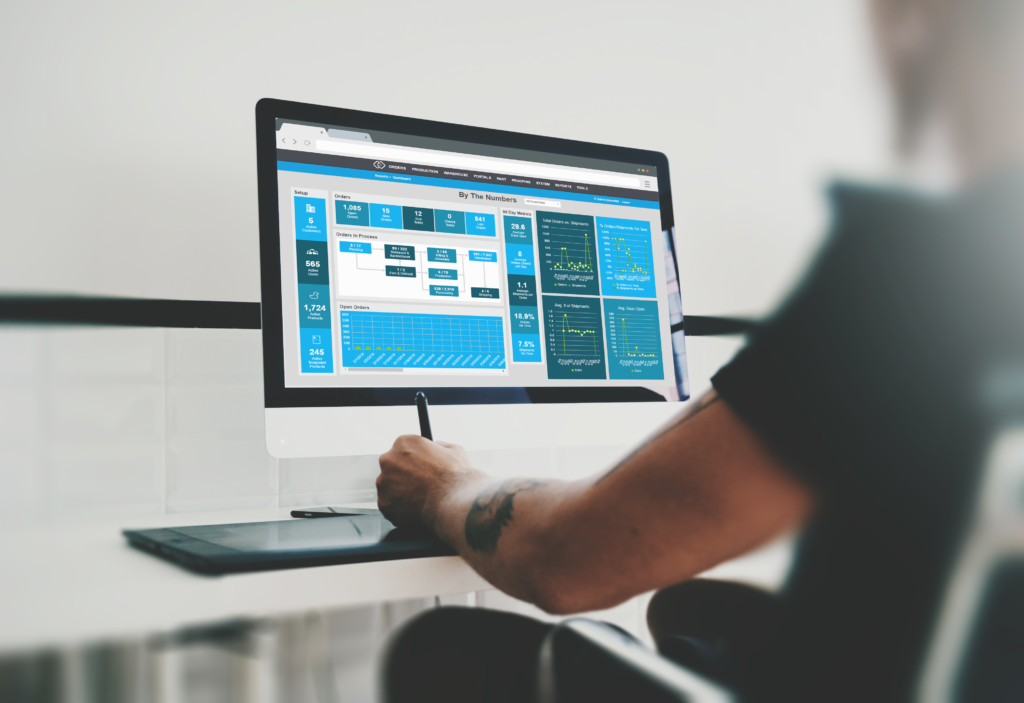
Proof Names can be used to associate meaningful identifying information with individual proofs made by end-users. These names travel with
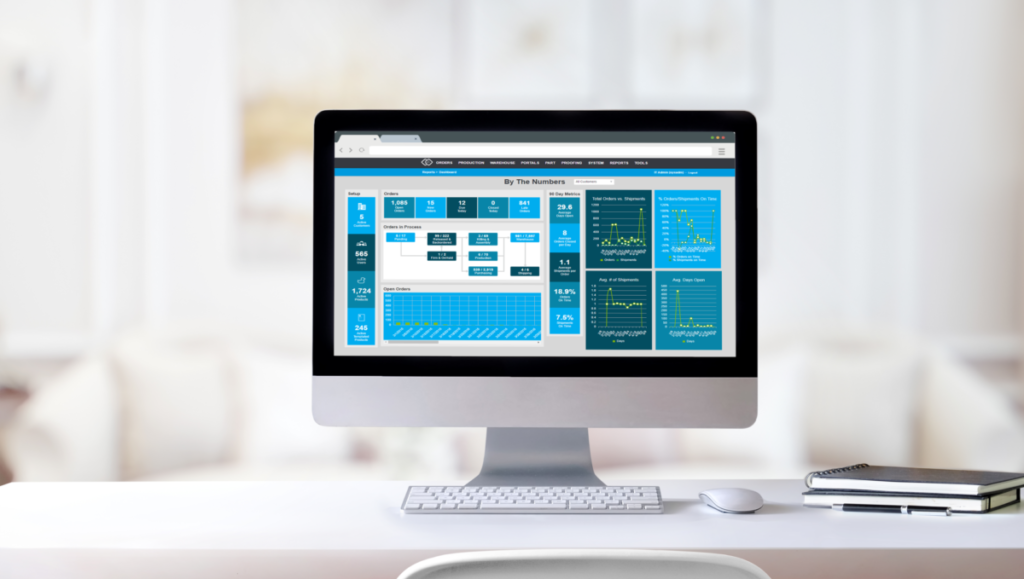
PGP Encryption is a new portal feature that will automatically encrypt all user uploads for upload parts and uploaded mailing
Did You Know you can enable portal-wide encryption for upload parts and mailing lists? Read Post »
We have added a new option in soft proof projects to turn off the cropping step for an image variable.
Part Limits allow you to set controls on the number of individual products that users and user groups can order
Did You Know you can now select “All Time” as an option for part limits? Read Post »
Serialization is an option that can be turned on at the part level for parts that require unique serial numbers