
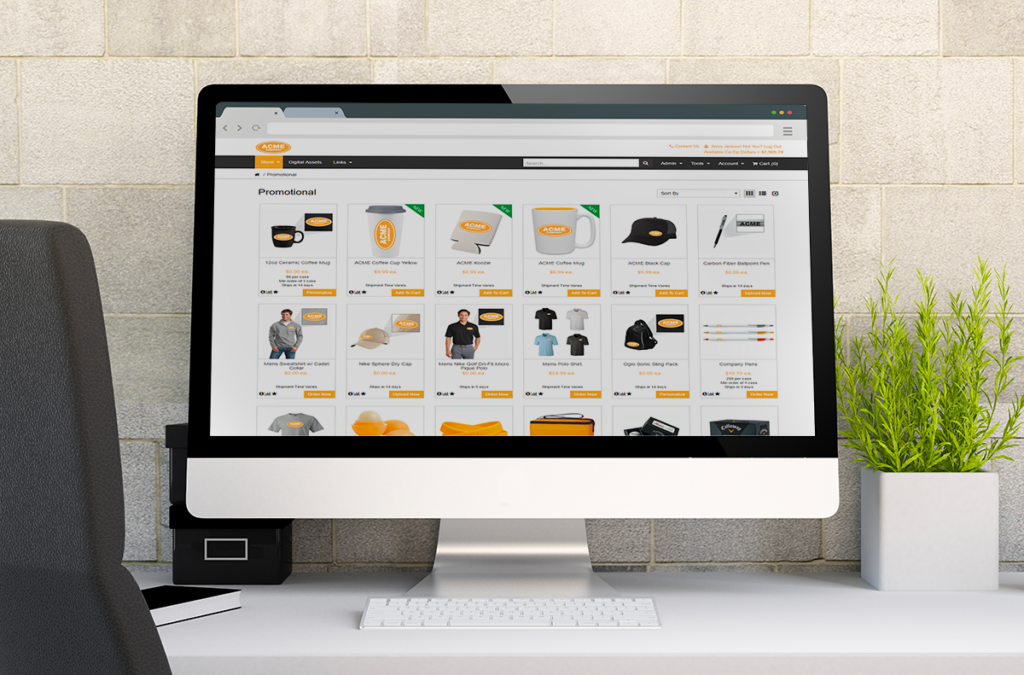
Did You Know: Order Statuses and their Meanings
Orders on the platform follow a workflow based on customer settings. The order status tells you where the order is in
Did You Know: Order Statuses and their Meanings Read Post »
Orders on the platform follow a workflow based on customer settings. The order status tells you where the order is in
Did You Know: Order Statuses and their Meanings Read Post »

Attributes allow you to add options to parts when users are ordering. Those options will be listed on the orderline.

Screen Definitions are one of the tools you have to customize the look and feel of your portals. You can
Did You Know you can customize text like labels and menus on portals? Read Post »
We’re excited to announce a major new feature to The Propago Platform: Fixed Assets! So what does this mean? If
New Feature Announcement! — “Fixed Assets” Read Post »
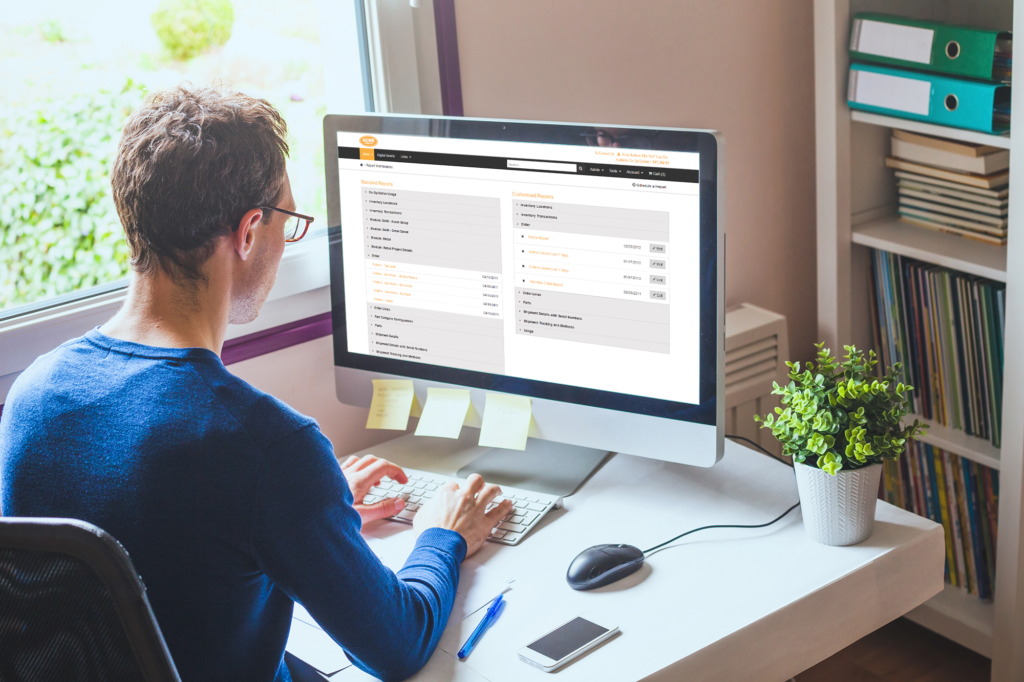
The global form settings “Editable” and “Visible” affect how end users can interact with the global profiles they’ve created on
Did You Know you can make global form variables non-editable or invisible to end users? Read Post »

By default, the unit of measure for parts with more than one pieces per each is “packs.” In other words,
Did You Know you can change what packages of parts are called on the portal? Read Post »
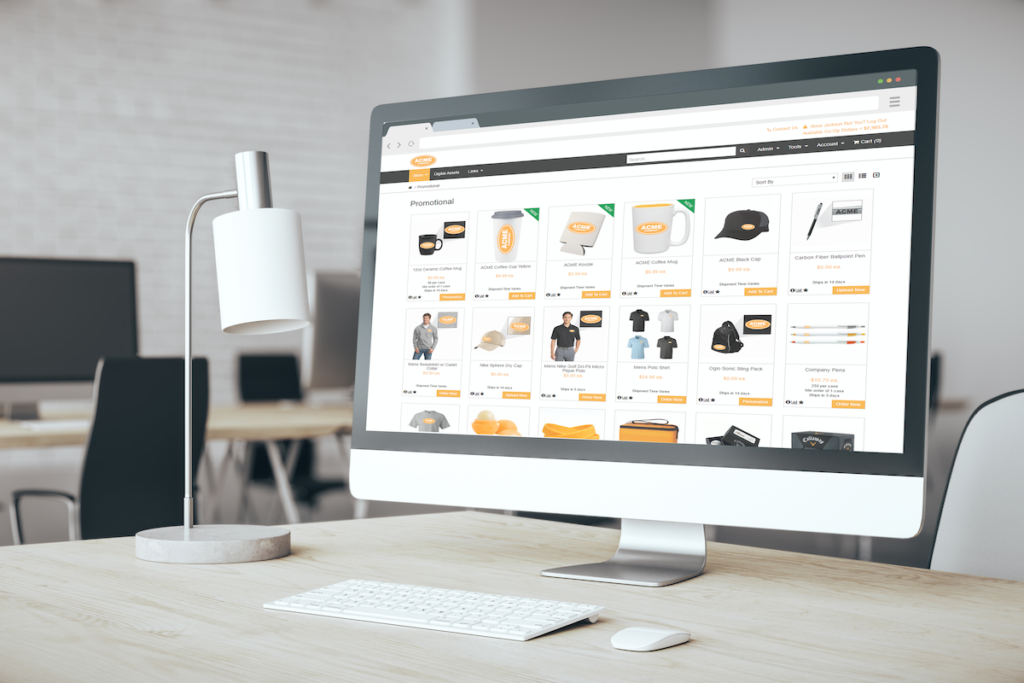
Filters allow end users to narrow down the products they see while browsing so they can quickly find what they’re
Did You Know parts can be added to multiple filter options? Read Post »
The Enforce Profile Creation option is a company and user group-level option that forces users to create a global profile
Did You Know clients can require their end users to create a global profile? Read Post »

The Order Consolidator is a great tool for improving efficiency in the warehouse and reducing shipping costs for your clients.