
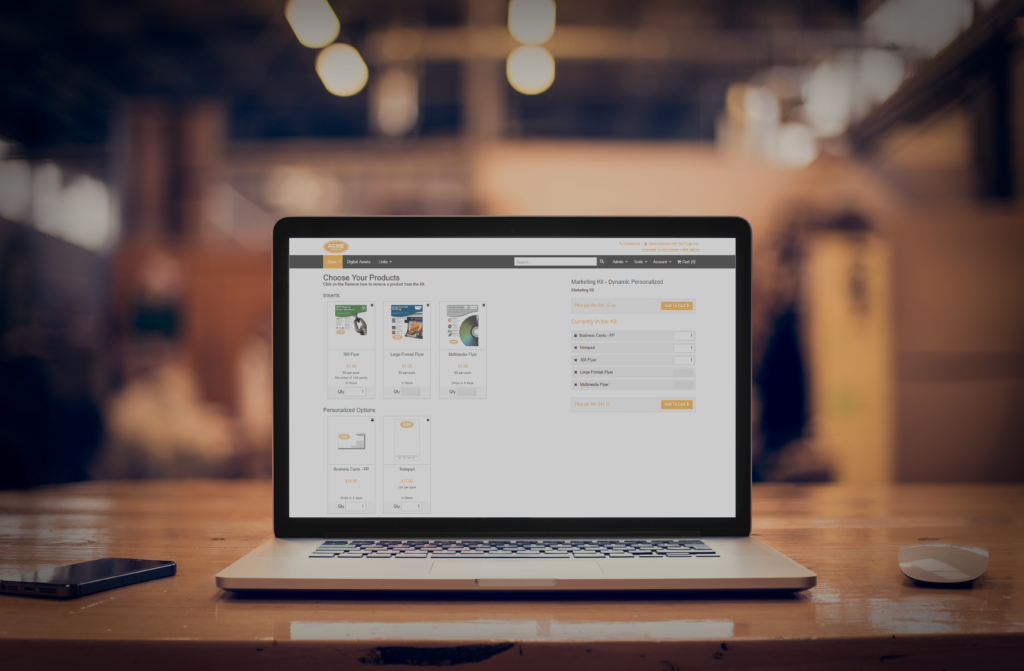
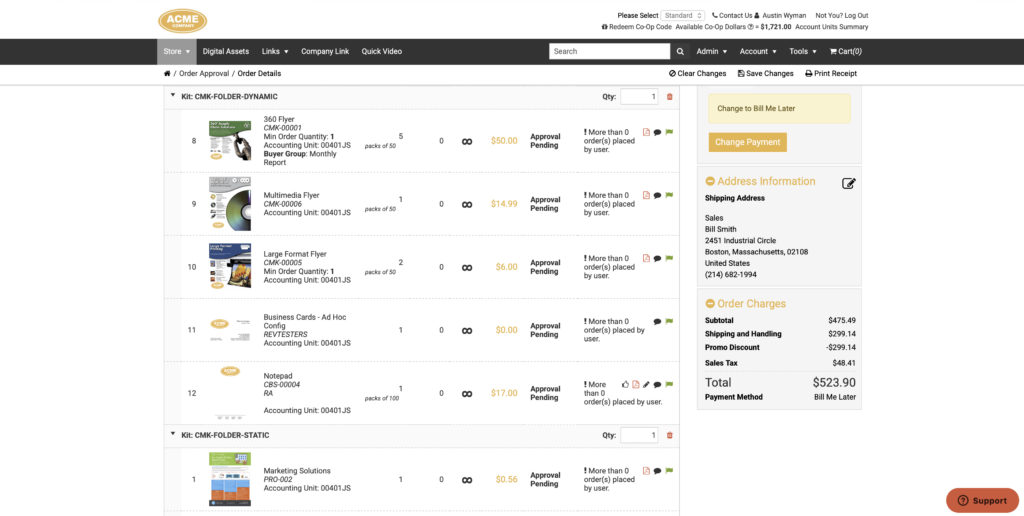
With this update, kit order lines are now displayed with their individual components broken out and grouped beneath the parent kit line — giving everyone a clear view of exactly what’s in the order. On top of that, approvers can now adjust kit quantities directly from the approval page.
This updated layout appears everywhere you’d expect to see order details: the Thank You page after checkout, the Order Details page in Order Maintenance, and the Pending Approvals view.
Benefits to You
- Clear order visibility — kit components are broken out into individual lines grouped under their parent kit, making it easy to see exactly what’s being ordered at a glance.
- Automatic component updates — when an approver changes a kit’s quantity, all component quantities recalculate automatically, so there’s no risk of mismatched numbers.
- Consistent experience — the improved layout is applied across the Thank You page, Order Details, and Pending Approvals, so the information is presented consistently wherever you view an order.
How It Works
Updated Kit Display
Anywhere order details are shown — the Thank You page, Order Details in Order Maintenance, or Pending Approvals — kit order lines now display with their components listed as individual sub-lines grouped beneath the kit. This makes it immediately clear which items belong to which kit.
Editing Kit Quantities During Approval
- Go to Account > Pending Approvals and select an order.
- Locate the kit order line you want to adjust.
- To change the quantity, edit the quantity on the kit line. All component quantities will update automatically to reflect the new total. For example, if a kit contains 100 flyers per kit and you change the kit quantity from 5 to 1, the flyer line updates from 500 to 100.
- To remove a kit from the order entirely, remove the kit order line — all of its component lines will be removed along with it.
Important Notes
- Approvers can only edit the kit-level quantity or remove the entire kit. Individual component quantities and kit composition cannot be changed from the approval page — those changes need to be made to the kit build itself.
- These approval editing capabilities work the same way as editing non-kit order lines — the kit-level controls simply extend that existing functionality to bundled products.
Want to learn more about order details and approval features in Propago? Check out our previous Did You Know articles: