

Did You Know you can set uploaded images to automatically convert to black & white during proofing?
Image upload variables can be given the setting “Black & White.” When this setting is turned on, any image a
Image upload variables can be given the setting “Black & White.” When this setting is turned on, any image a

Two optional tags have been added for use with carriers in Propago: Require Phone Number and P.O. Box Allowed. If
Did You Know new carrier tags have been added for P.O. box and international orders? Read Post »

Use folders in the Digital Asset Management module to give users a bank of pre-approved images to choose from when
Did You Know you can link DAM folders to soft proof projects? Read Post »
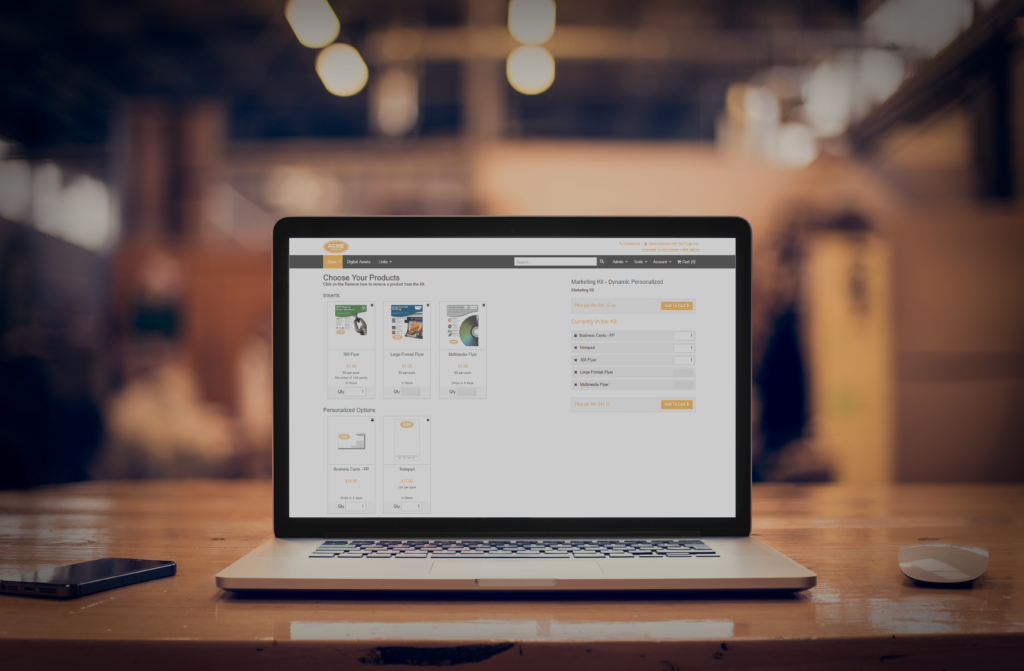
A RegEx validator (Regular Expression) is used to validate the value of an input against a specified format. One of
Did you know you can use RegEx validators to validate user inputs on Global Profiles? Read Post »

Make edits and updates to soft proof projects quicker and easier with the Download Project function. With a single button,
Did You Know you can download all files in a soft proof project at once? Read Post »

The bulk checkout feature allows your clients to send orders in bulk to a list of users or addresses. This
Did You Know you can give users the option to checkout orders in bulk? Read Post »
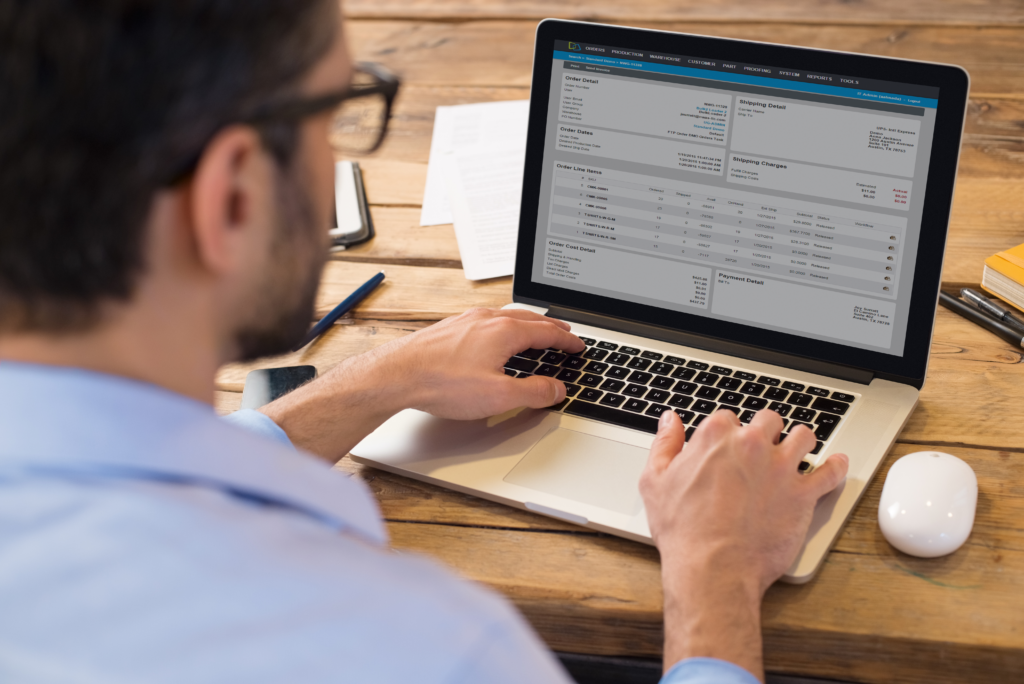
We’ve now added the ability to render order data (Order Display Number, Custom Identifier, and Proof Name) onto high-resolution production
Did You Know order specific data can now be added to variable production print files? Read Post »
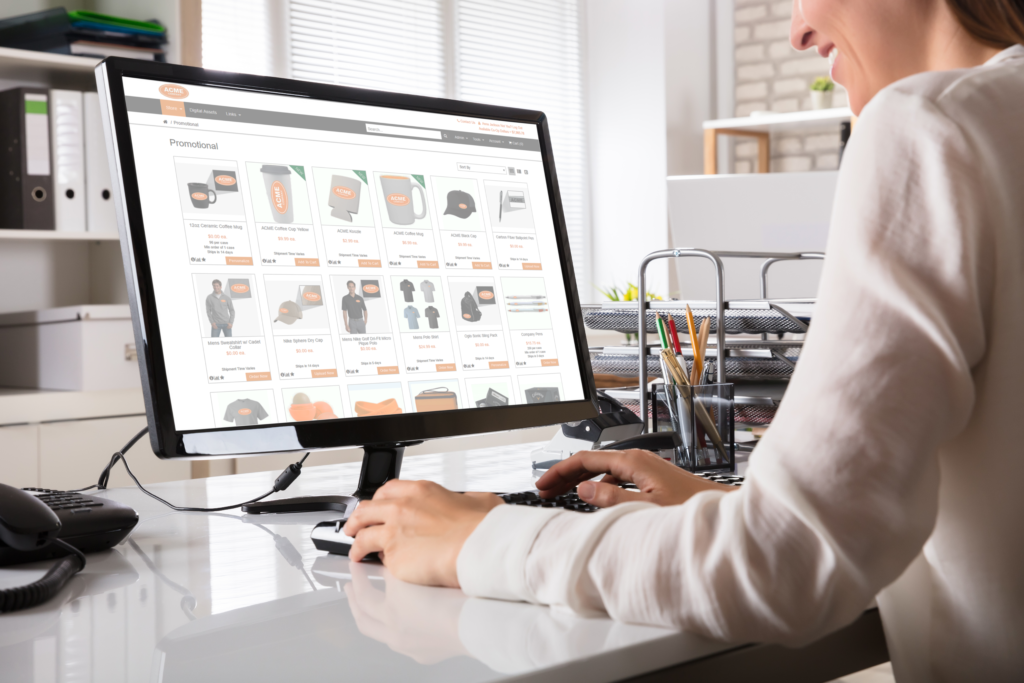
Propago has integrated with Avalara, a leading provider of cloud-based tax compliance automation for businesses. That means that you can
Did You Know our new integration enables automated sales tax calculation? Read Post »

Conditional variables are variables which can be ‘triggered’ to behave a certain way based on the value of another variable.